
-
On the Course Page, go to the Users tab.
-
Find and click the user you want to view.
-
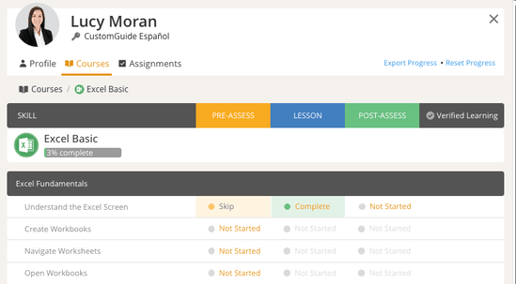
From the user dialog, you can:
-
Edit User Details
-
Change Password
-
Export and Reset User Progress
-
Change Group and Language preference
-
Expire User
-
View Course Progress
-
-
Click Close when you’re finished.