
-
In the top-right corner of the screen, click the Profile Icon.
-
From the dropdown menu, click on Profile to access your profile settings.
-
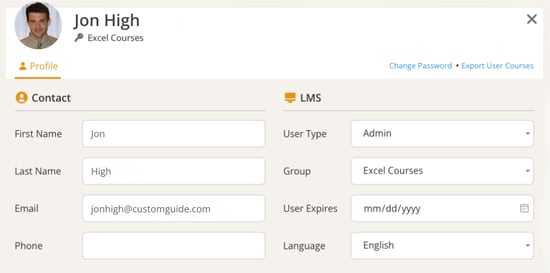
Edit your profile information and update the following details:
- First Name and Last Name
- Phone
- User Type
- Group
- Language preferences
- User Expiration Date
- Edit and Upload a new photo
-
Click Close when you’re finished.