
- Go to the Users tab.
-
Enter the user’s name or email address in the Search box.

-
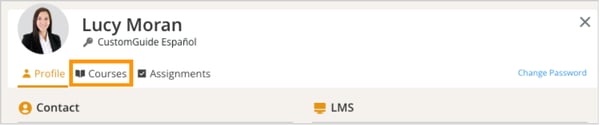
Click on the user’s name from the search results to open their profile. Click on the Courses tab.
-
Scroll down to the list of courses and select the course you want to reset progress for.
-
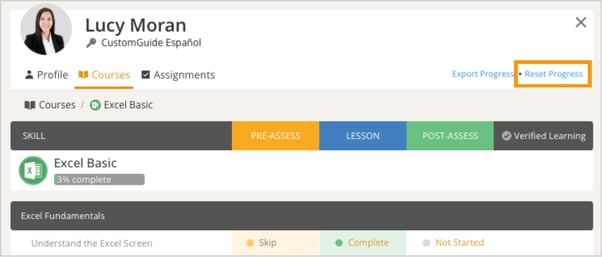
In the top-right corner of the course details page, click the Reset Progress button.
-
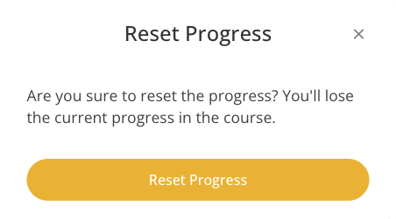
A confirmation prompt will appear, click Reset Progress to confirm.
-
Once done, the course progress will be reset, and the user can start the course again from the beginning.