
-
Go to the copied course you created.
-
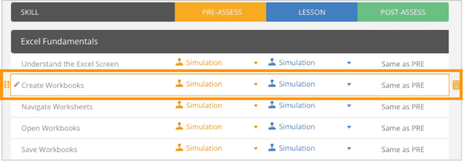
Hover your mouse over any course outline to show the orange drag handle next to each outline on the left side of the screen.
-
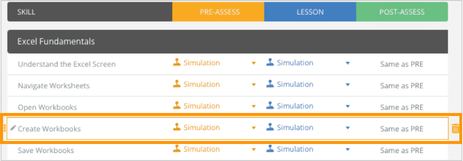
Click and hold the drag handle, move it to your desired position, then release to place it.
-
The course outline will automatically update once you’ve finished rearranging.