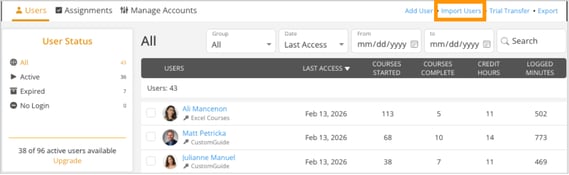
- Go to the Users tab.
-
Click Import Users in the top-right corner.
-
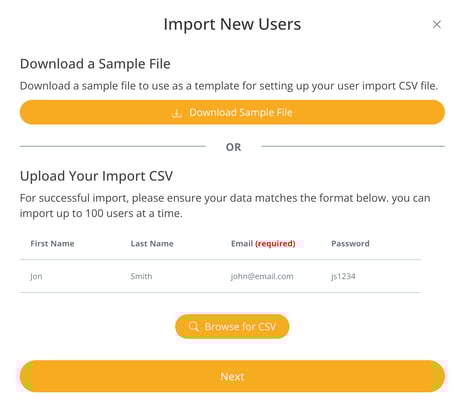
Download the Sample File (CSV).
-
Add users to the Sample File (CSV) and save.
-
Click Import Users again when you’ve finished adding everyone.
-
Click Browse for CSV.
-
Select and upload the CSV from Step 3.