
-
On the top-right corner of the screen, click the Profile Icon.
-
From the dropdown menu, click on Profile to access your profile settings.
-
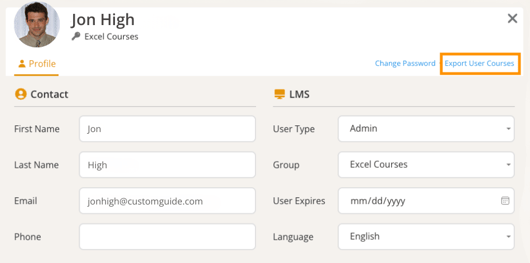
Find and click the Export User Courses link to export your course list.
-
A CSV file containing your course list will be automatically downloaded.
-
Click Close when you’re finished.