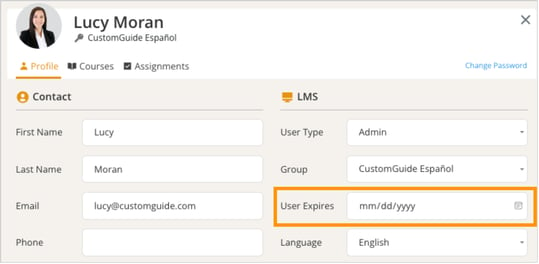
Expire Users Go to the Users tab and find and click the user you want to expire. Click on the user’s name to open their profile and enter a past date in the User Expires field. Click Close when you’re finished.