
-
On the Course Page, go to the Users tab.
-
Find and click the user you want to expire.
-
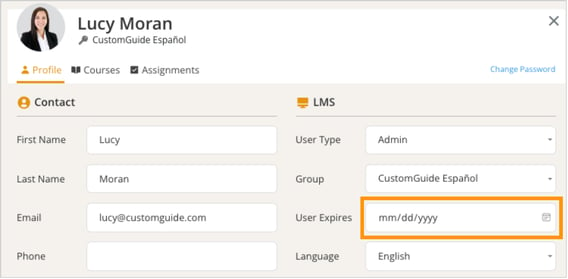
Enter the past date in the User Expires field.
-
Click Close when you’re finished.
On the Course Page, go to the Users tab.
Find and click the user you want to expire.
Enter the past date in the User Expires field.
Click Close when you’re finished.