-
Go to Manage tab.
- Scroll down to see the group settings.
- To create a group:
- Click Create Group. Enter the Group Name and click Save.
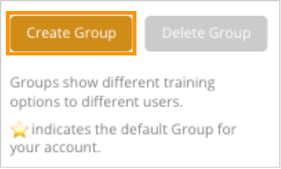
- Click Create Group. Enter the Group Name and click Save.
-
To rename a group:
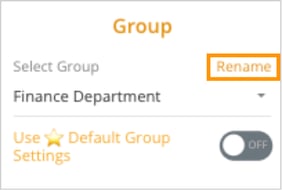
- Select the group you want to edit. Click Rename.
- Enter the new group name and save.
-
Click Delete to confirm.
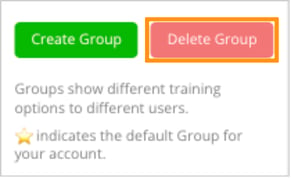
- Select the group you want to delete. Click Delete Group in the top-right corner.
- A confirmation pop-up will appear. Click Delete to confirm.