
-
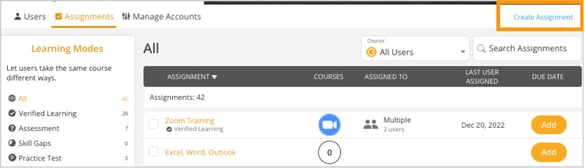
On the Manage tab, go to Assignments.
-
In the top right corner, click Create Assignment.
-
A pop-up window will appear where you can enter the name for the assignment.
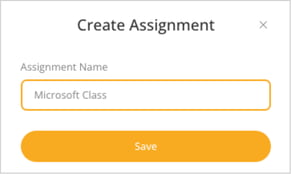
- Click Save to create the assignment.
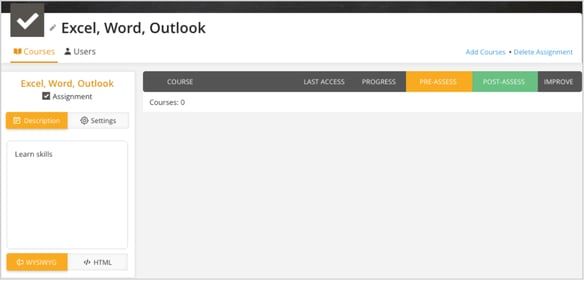
On the Manage tab, go to Assignments.
In the top right corner, click Create Assignment.
A pop-up window will appear where you can enter the name for the assignment.