
-
Go to the copied course you created.
-
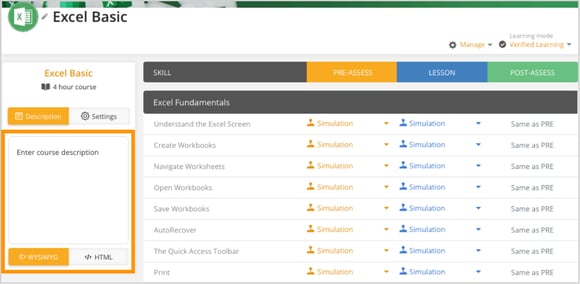
On the left panel, click the Description tab.
-
Click inside the text box under Enter course description and type your new course description.
-
Use the WYSIWYG editor to format the text or switch to HTML for advanced customization.
-
Click anywhere outside the text box to automatically save your changes.