Skip to content
  • There are no suggestions because the search field is empty.

Change Billing

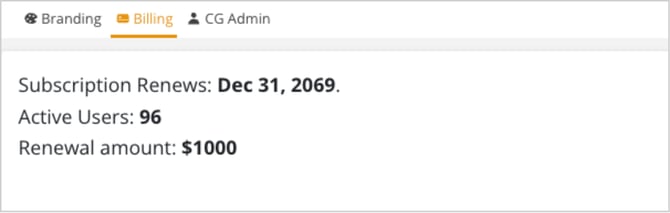
  1. Select the Billing tab to view and manage your billing details.

  2. Click the Select Plan button for your desired option.

    • You can switch between Monthly and Annual billing by toggling the switch at the top of the plans.

    • You can also choose from different plans such as Starter, Essentials, Growth, Pro, or Enterprise.

    • For Enterprise plans, click on Contact Us to get in touch for a customized plan.

  3. After selecting the plan, you will be redirected to the payment page.

  4. Review the summary of your selected plan and enter your payment information

    • Under Contact info, enter your email address.
    • Under Payment info, select whether to pay via Card or US Bank Account.
      • For Card Payments: Enter the Name on the Card and ensure all card details are correctly added.

      • For US Bank Account Payments: Ensure all bank details are correctly added.

  5. Once all details are filled in, review your payment details and click on the Pay button to complete the transaction.

  6. Once payment is successfully processed, you will receive confirmation that your subscription has been updated and your billing plan will change accordingly.

  7. Click Close when you’re finished.